

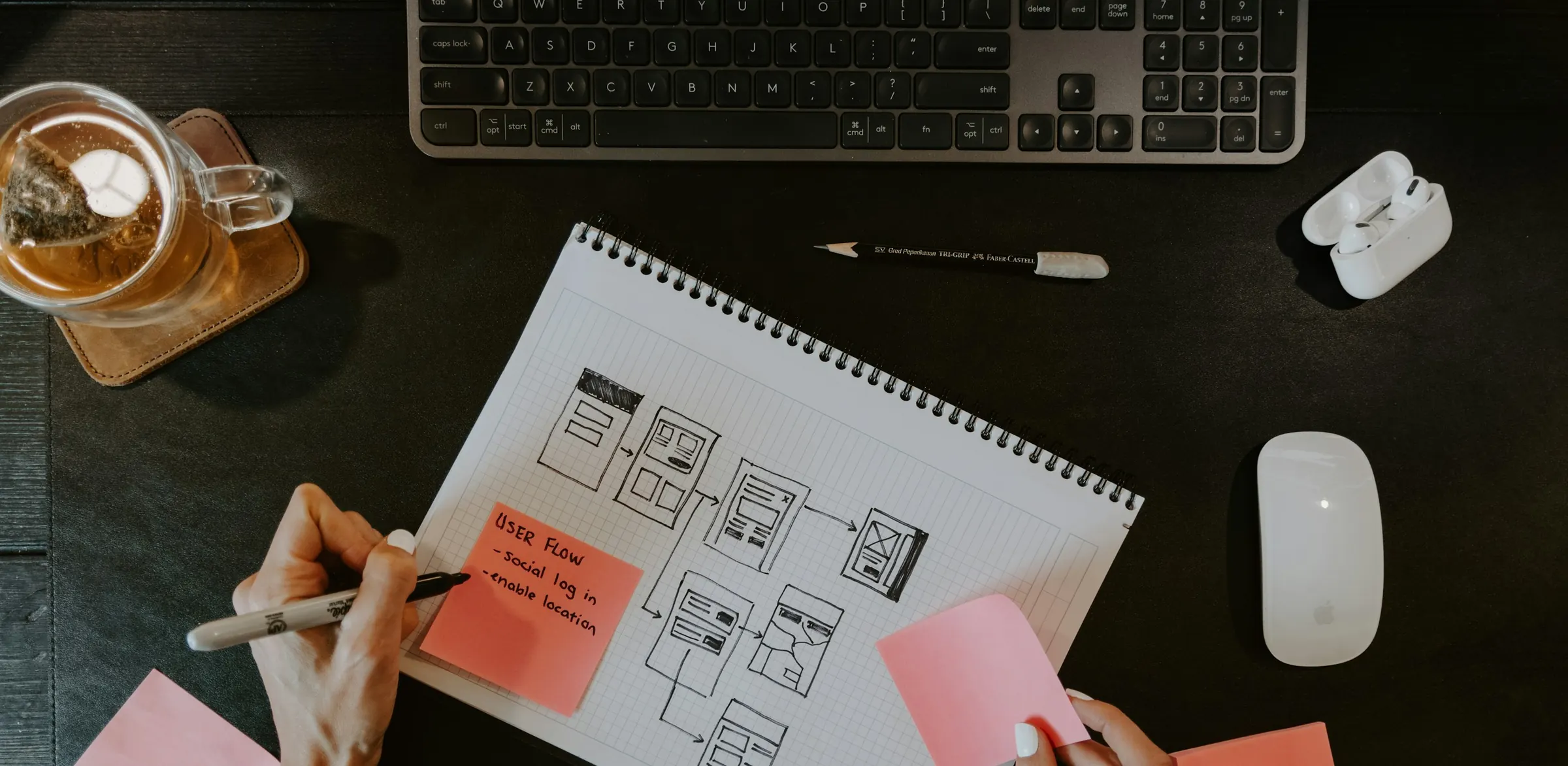


AA good app feels obvious. Users find what they need, complete the task and leave without asking for help. Getting there is rarely accidental. It comes from understanding who the users are, where they use the app and what gets in their way. Here are the practices we apply when designing for Haitian audiences.
Know the user and the setting
A driver checking a delivery in bright sunlight, a store clerk scanning a code at a busy counter and an office manager reviewing a dashboard have different needs. Spend time with real users before you draw a screen. Observe how they work, which phone they hold and how often they lose signal. Write one sentence for each type of user describing what they must achieve.
Try a short field visit. Watch a driver complete a delivery or a clerk process a redemption, and note every tap. You will often find steps that exist only because of the old paper process and can be removed.
Keep each screen to one job
Crowded screens slow people down. Give every screen a single primary action and make it the most visible element. Move secondary options behind a menu. Use large tap targets, since many people use the phone with one hand, and leave enough space between buttons to avoid accidental taps.
Use a simple test: can a new user say in five seconds what the screen is for? If not, split it. Put the main button where the thumb rests and keep destructive actions, such as delete, away from it with a confirmation.


Design for modest phones and weak signal
Plenty of users have older Android devices with limited storage. Keep the app small, avoid heavy animations and compress images. Show helpful states when the connection drops: saved offline, will sync later, try again. Never leave users staring at a blank screen with no explanation.
 Cache key data so the app opens without a network.
- Confirm actions clearly so users do not repeat them.
- Test on a low-end device, not only a flagship.
Make sure text is large enough to read outdoors, with strong contrast between text and background. Avoid relying on color alone to show status, and pair it with a word or icon. Check how the app behaves when storage is nearly full.
Write clear, local language
Labels and messages matter as much as layout. Use plain words and short sentences. Depending on your audience, support French and Haitian Creole, and use the terms people actually say, not translated jargon. Error messages should say what happened and what to do next, rather than showing a code.
Ask a few real users to read your labels aloud and explain them back. If they hesitate, rewrite. Keep names for the same thing identical across the app, so people do not wonder if two words mean two features.
- 01
Test with real users
Five short sessions reveal most of the usability problems.
- 02
Keep it light
Small downloads and simple screens suit modest phones.
- 03
Use clear language
Plain words in the language your users speak build trust.
Test early and often
You do not need a large study. Sit with five people, ask them to complete three tasks with a simple prototype, and watch where they hesitate. Fix the biggest problems, then test again. This costs a fraction of correcting a finished app and is the best protection against building features nobody can find.
Good design is a habit, not a phase. Review your analytics after launch, listen to support questions and keep refining the screens users struggle with most.
Watch without helping. If a tester gets stuck, note where, and resist the urge to explain. Record the three most common problems after each round and fix them before the next one. After launch, add a simple feedback button inside the app, so users can tell you what confuses them while it is fresh.
Next Step
The best way to improve an app is to watch real people use it, then fix the first three things that slow them down. If you would like a second opinion before you commit budget, the Atrax team is happy to talk it through. You can reach us through the contact page.

Atrax Team
The Atrax Team is a six-person group of engineers, GIS and data specialists, and designers based in Delmas, Haiti. Atrax has built digital products and field-data systems for Haitian organizations since 2015.